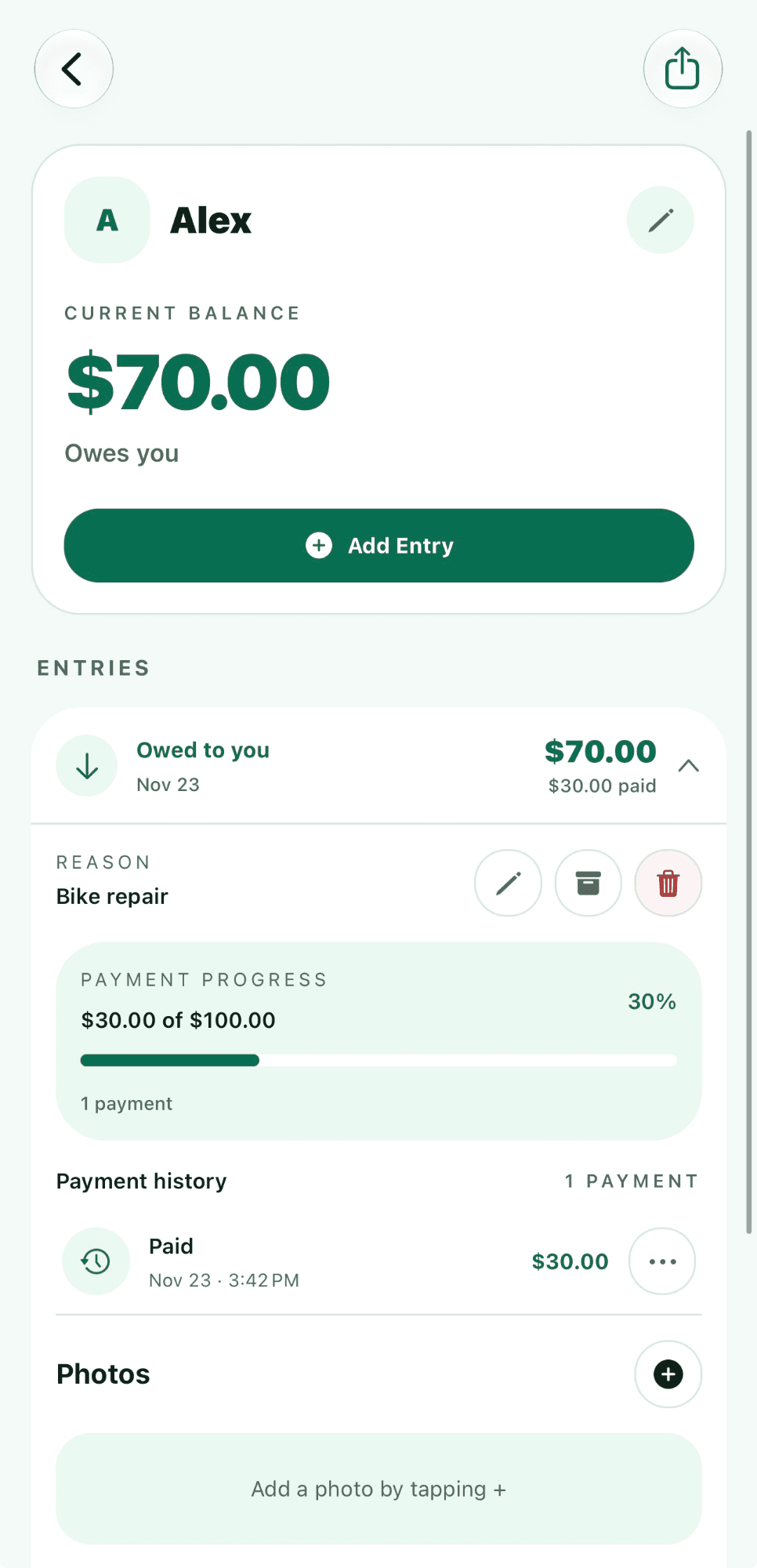
How do I track partial repayments?
By Owemint
Record the amount and date of each partial repayment against the original loan. To work out what's left, subtract the payments you've received from the amount you lent. A $30 payment on a $100 loan leaves $70 to pay.
Follow a $100 loan through three payments
On May 12, Alex sends you $30 and texts, "I'll send the rest in pieces." That payment goes toward the $100 you lent Alex for a bike repair on May 2. Add a $30 payment dated May 12 under the bike repair. When another $20 comes in a week later, give it its own line.
- May 12. Alex pays $30. The remaining balance is $70.
- May 19. Alex pays $20. The remaining balance is $50.
- May 30. Alex pays $50. The loan is paid off.
Keep the original $100 in the record. If you and Alex are comparing notes after the second installment, you can see exactly which two payments make up the $50 already paid. If you log the second payment on May 21, give it the date you received it, May 19. That makes it easier to find in your bank history later.
If you're unsure which loan a payment is for
A transfer with a blank memo can be hard to place when the same friend owes you for more than one thing. If Alex sends $18 and you also paid $18 for a concert ticket, it takes one message to check: "Was that for the ticket or the bike?" Once you know, apply it to that loan. Each loan keeps its own payment history, and the balance for Alex reflects what's left across both.
How Owemint helps
Open Alex's details and expand the $100 Entry for the bike repair. Enter 30, then tap Edit date & time to choose May 12. Tap Log payment. The Entry shows the $30 Payment in its history and $70 still owed. Use the same Entry when Alex sends the next installment, so all the Payments for that loan stay together.